A pull-out panel for everyday controls
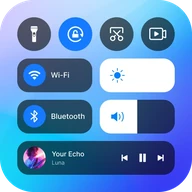
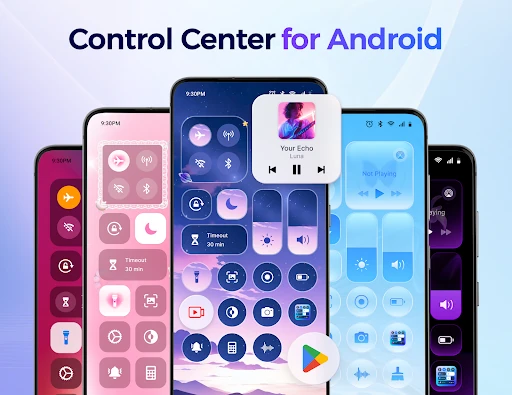
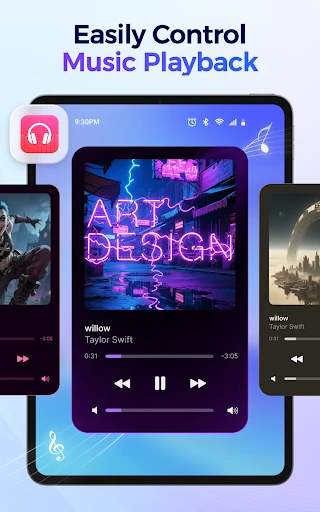
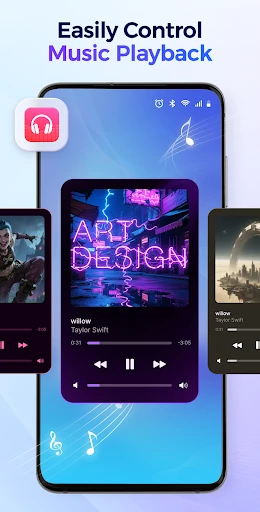
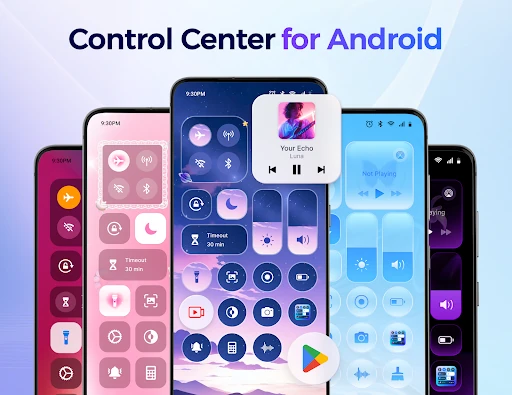
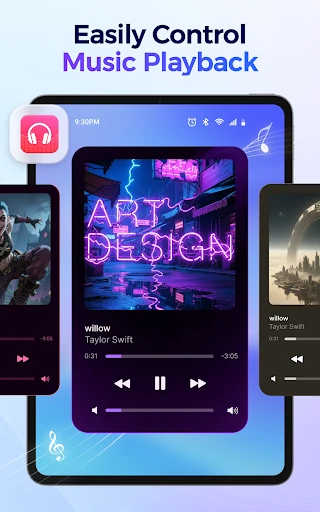
Control Center - Stable & Easy adds a customizable panel for adjusting phone settings and opening apps. It suits people who want brightness, volume, music playback and tools such as the flashlight within quick reach, rather than hunting through settings or the app drawer.
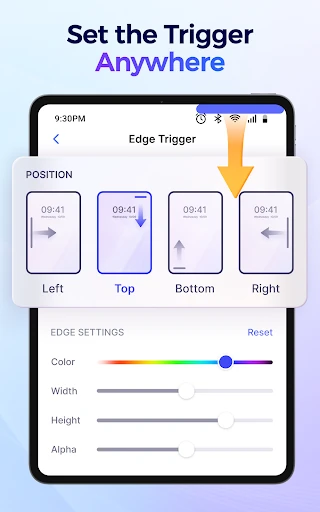
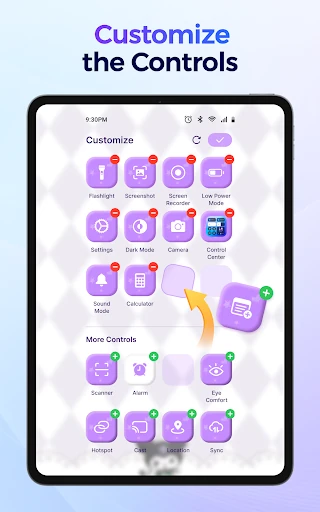
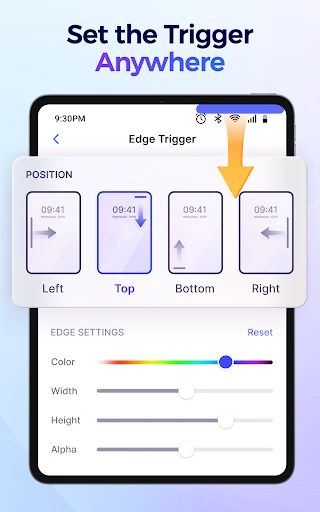
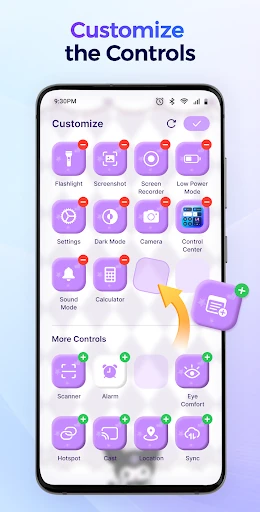
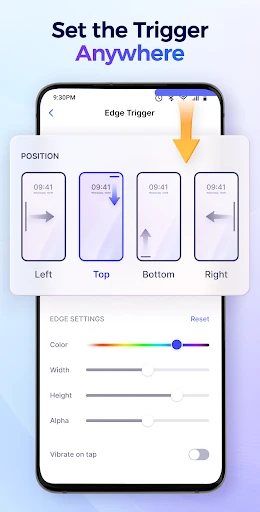
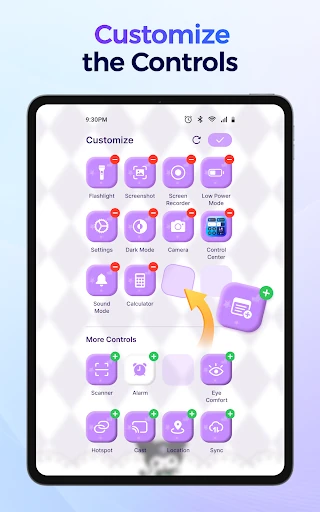
The panel can also hold shortcuts to apps you choose. The listing says you can rearrange or remove controls and adjust the edge trigger’s position and appearance.
More than toggles
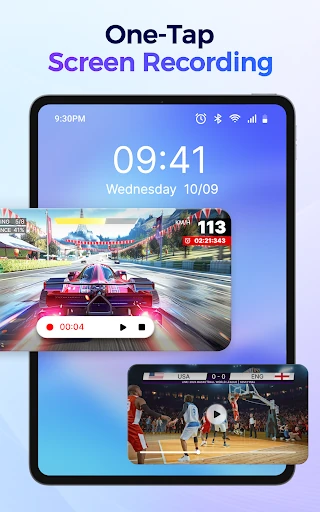
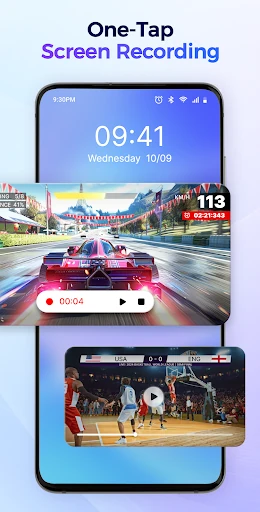
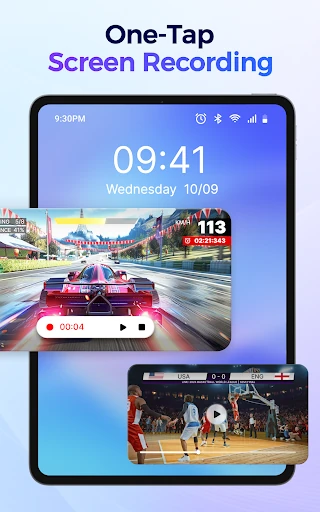
Alongside common controls, the panel can launch tools including Camera, Alarm, Calculator, Notes and Voice Recorder. Other listed options include screenshots and screen recording, screen orientation, sound modes, Do Not Disturb and screen timeout. Some controls affect sensitive or system-level functions; check what the app requests when setting it up.
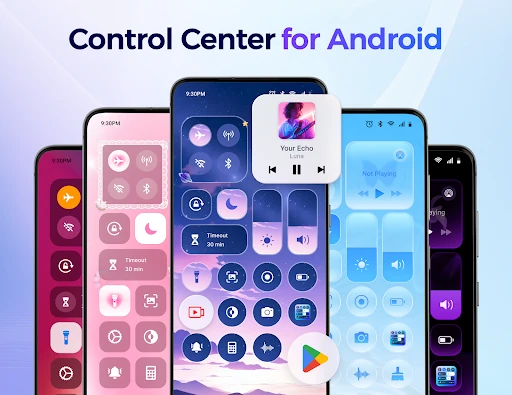
The listing also describes panel themes and a cleanup tool for finding similar photos, large videos and screenshots. These are extras to the main job of making controls and shortcuts easier to reach.
Cost and fit
The app is presented as free. The available information does not spell out whether any features have separate costs, list the permissions it requests, or identify Android versions and devices it does not support. Those details are worth checking on the app page or on your phone before relying on a particular control.
Control Center - Stable & Easy is in Personalization, from AceTools Team. Its 4.76-star rating across about 141,500 reviews and 5 million-plus installs indicate a large user base, though they cannot confirm compatibility with every device.